Your PDFs.On your PC.Made simple.
Read, edit and organise your PDFs for free on Windows, offline. A lightweight PDF reader and editor that respects your privacy.
Windows 10 and 11 · Free · Open source
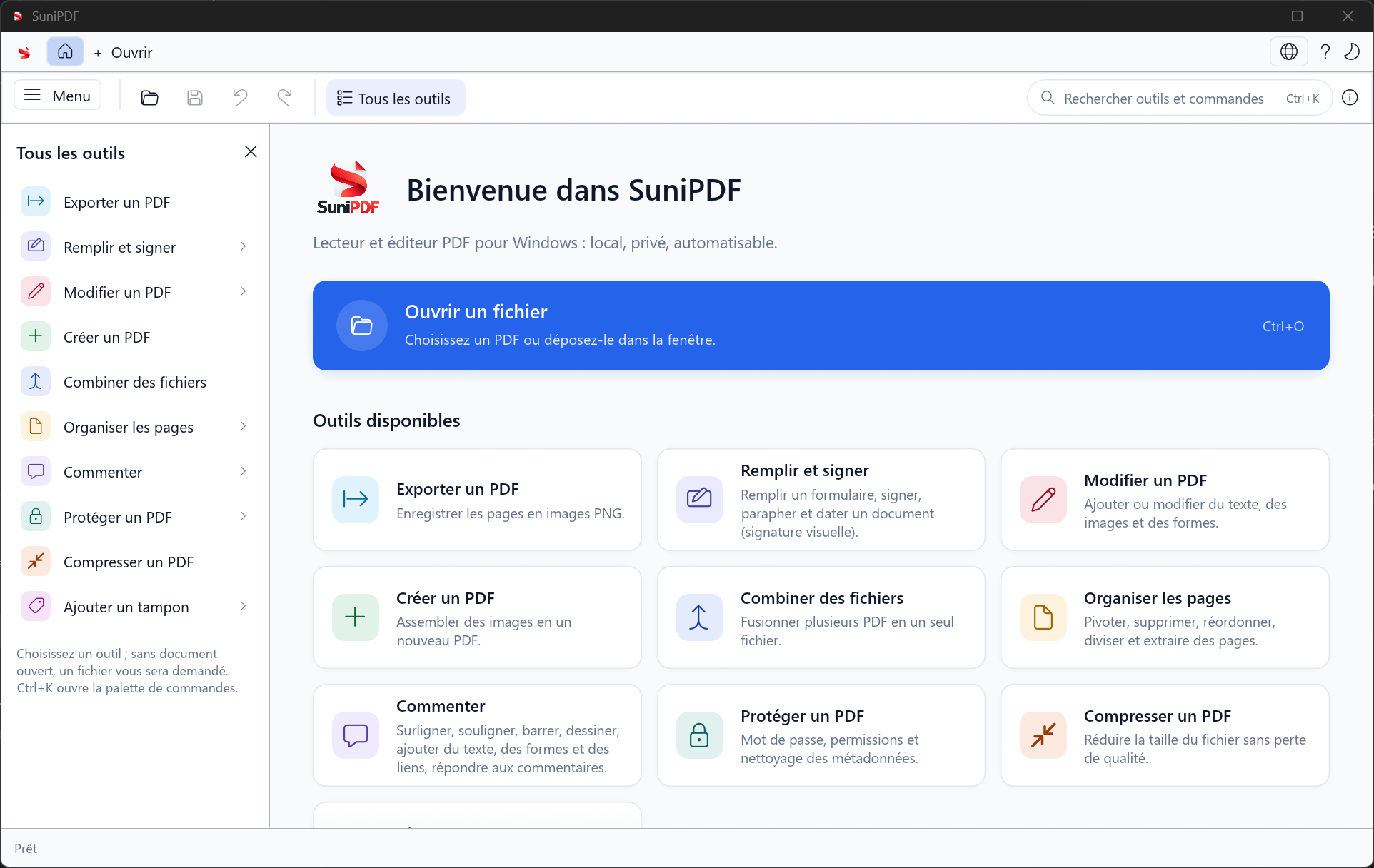
- Lightweight applicationA native Windows app
- 100% offlineYour files stay with you
- Free and open sourceTransparent and auditable
- Free, with no accountBuilt for its users
Read, edit and organise PDFs on Windows.
SuniPDF brings PDF reading, annotations and editing into a native application for Windows 10 and 11. Open multiple documents, find a passage, add text or prepare a file’s pages before sharing it.
We develop this open-source project around local use: your documents are processed on your computer, with no account and no upload to a cloud service.
Explore the projectSuniPDF, on screen.
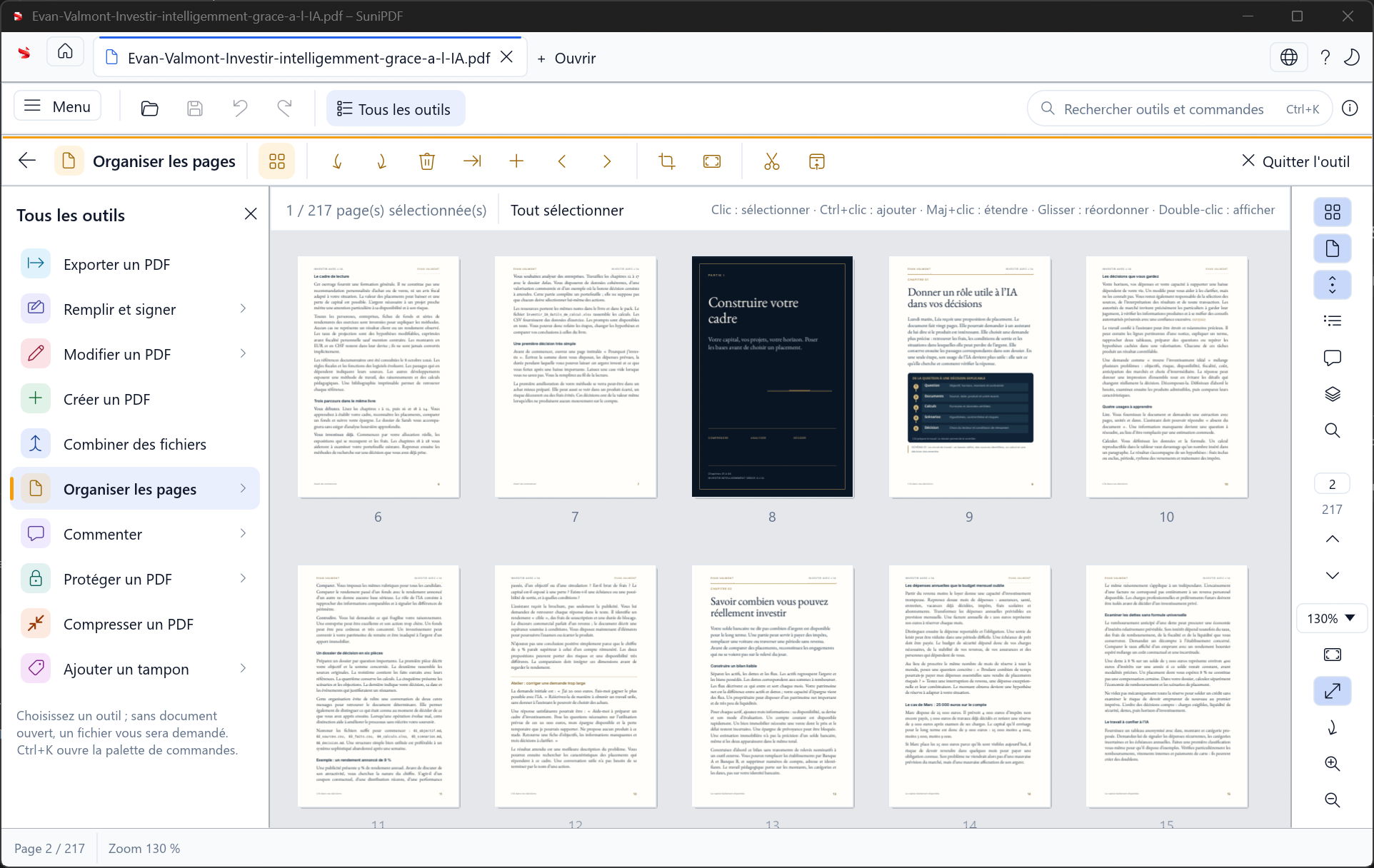
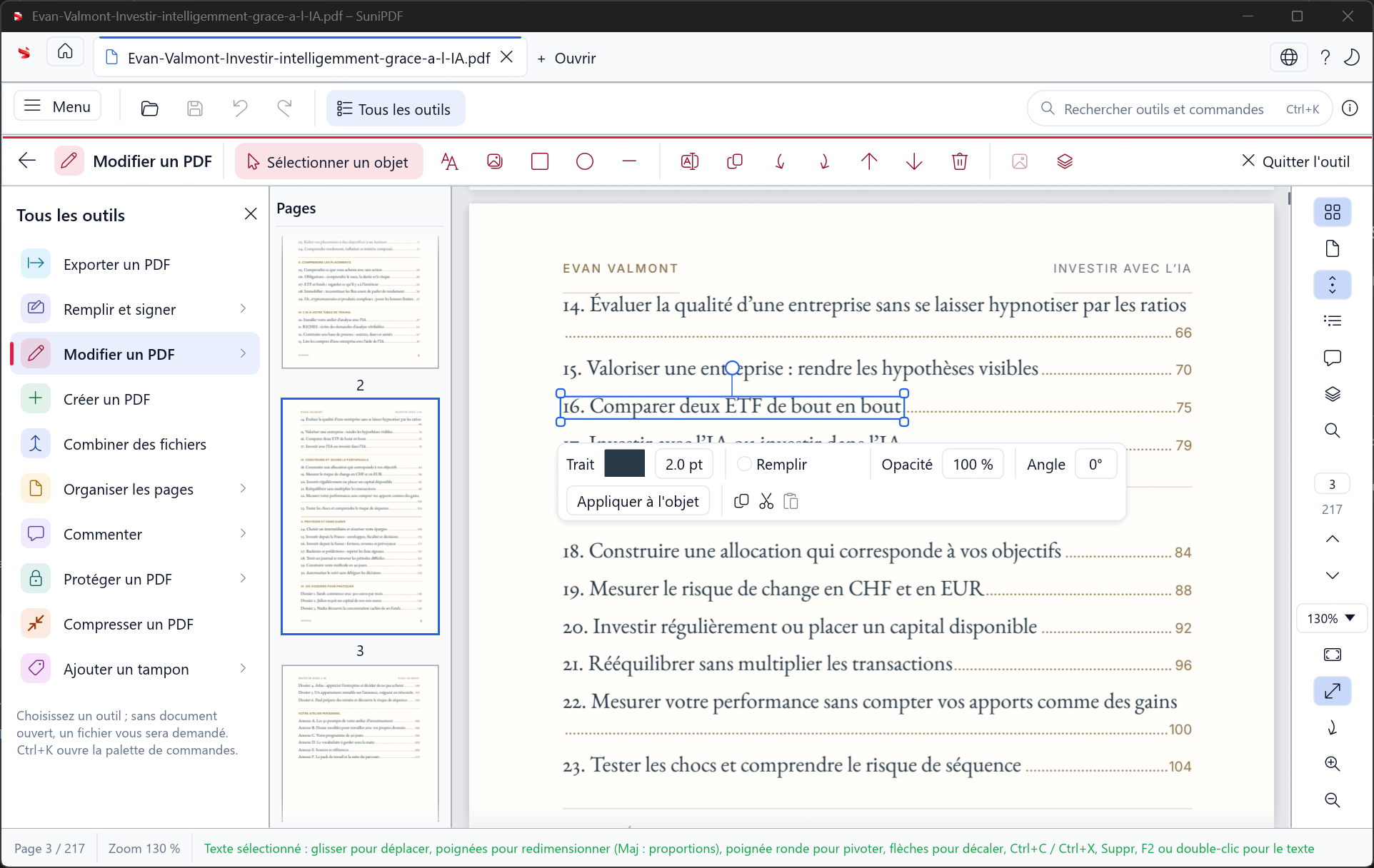
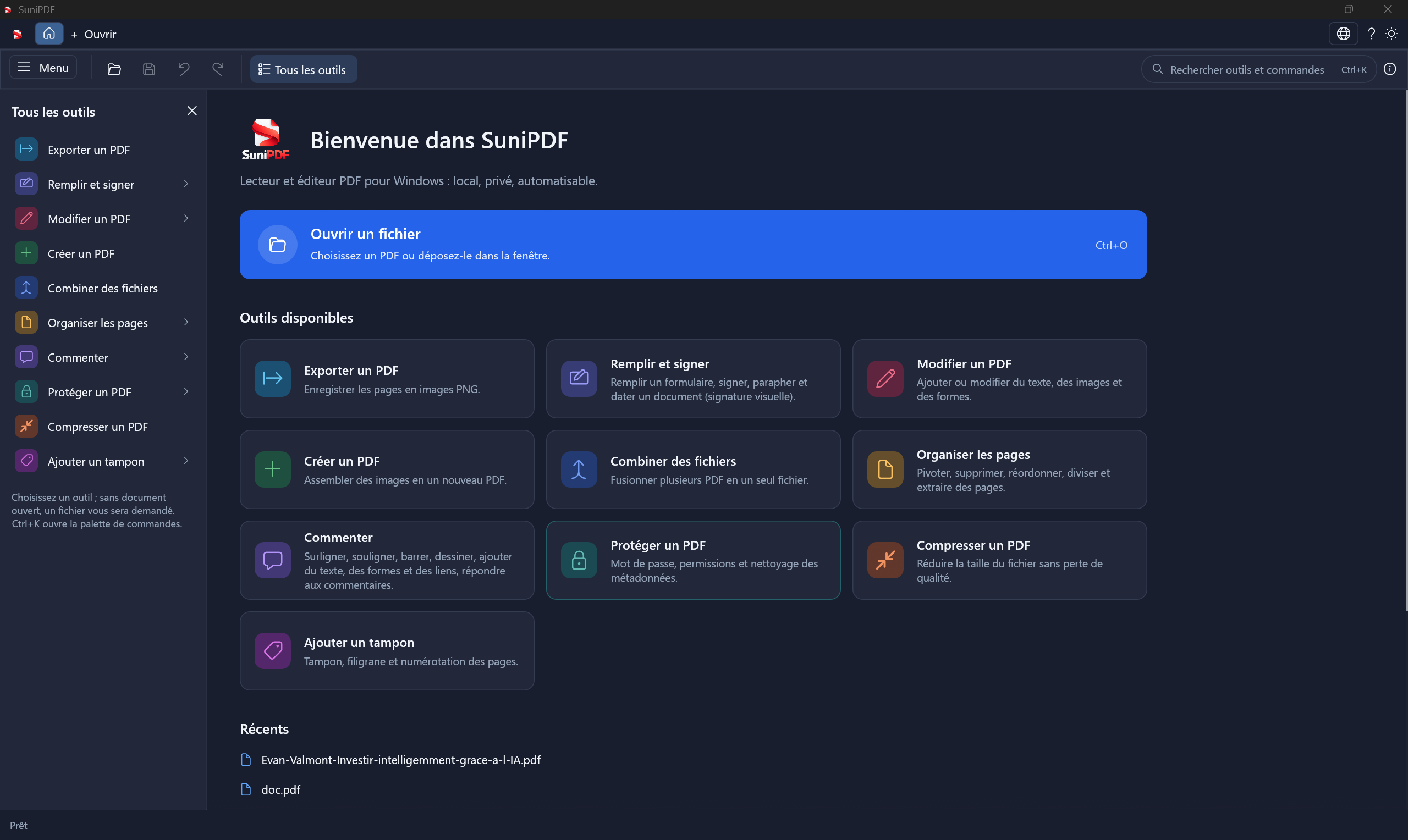
Explore SuniPDF’s actual interface: PDF tools, page organisation, editing, and light and dark themes. These screenshots show the French interface. Open a capture to view it at full size.
What is SuniPDF?
Version 0.6.0 includes tabbed reading, annotations, object editing and page organisation. It can also fill AcroForm forms, add a visual signature, convert images and protect a PDF with a password.
See all features- Version described0.6.0
- PlatformWindows 10 and 11
- InterfaceFrench and English
- LicenceMIT or Apache-2.0
- Built withRust, egui and PDFium
- Created byEmanuel DE ALMEIDA
- Source codeOn GitHub
- Open-source applicationsExplore our projects
From document to a PDF ready to share.
01Read and annotate
Open PDFs in tabs, browse thumbnails and find a passage with search.
Open PDFs in tabs, browse thumbnails and find a passage with search. Highlights, underlines, strike-outs and notes let you comment on the document. A dedicated panel lists the comments.
02Edit the content
Add text, images or shapes. Move and resize objects in your PDF.
Add text, images or shapes. SuniPDF lets you select existing objects, move, resize or rotate them. Editing existing text supports simple text objects, subject to the documented font limitations.
03Organise pages
Combine PDFs, split a document or reorganise its pages.
Combine PDFs, split a document or extract selected pages. Reorder thumbnails by dragging, insert a blank page, and adjust rotation, cropping or page dimensions. Cropping hides an area; it does not remove the underlying content.
04Fill and sign
Fill AcroForm fields and add a drawn or imported visual signature.
Fill AcroForm fields and flatten a form to fix its values in place. Add a drawn or imported signature, initials or a date. This is a visual signature, rather than a certified digital signature.
05Convert and protect
Create a PDF from images, export pages as PNG and protect files with a password.
Create a PDF from images or export its pages as PNG files. The application includes lossless optimisation, text watermarks, page numbers and AES-128 or AES-256 protection. The command-line application automates documented operations.
Open code. A clear scope.
The repository provides the source code, feature list and technical decisions. Report an issue, suggest an improvement or propose a contribution.
What is still in development
OCR, Word or Excel conversion, irreversible redaction and certified digital signatures remain on the roadmap. The available signature is visual. XFA forms are read-only.
Let’s build what’s next,
together.
SuniPDF is part of our open-source application ecosystem. Explore our other projects or tell us what you need.